How to Apply for a Driving License in Nepal Online (2026 DOTM Step-by-Step)

Apply for a driving license in Nepal online and you skip the 6 AM queue at the transport office. You do it on the Department of Transport Management (DOTM) portal: fill the form, choose your office, book a date, and pay from your phone. The biometric photo, written exam, and trial still happen in person at your transport office.
This guide takes you through the whole process on applydlnew.dotm.gov.np: who can apply, the documents you need, every step of the online form, the 2026 fees, and what happens on biometric day and the two exams. There’s a free one-page checklist you can download near the end.
Register on the DOTM portal, complete your profile, apply for one category, pick your office and date, and pay Rs 500. Then attend biometrics, pass the written exam 13/25 and the trial, and pay the smart card fee.
DOTM पोर्टलमा दर्ता गर्नुहोस्, प्रोफाइल पूरा गर्नुहोस्, श्रेणी छान्नुहोस्, कार्यालय र मिति रोज्नुहोस्, र रू ५०० तिर्नुहोस्। त्यसपछि बायोमेट्रिक, लिखित (१३/२५) र ट्रायल पास गरेर स्मार्ट कार्ड शुल्क तिर्नुहोस्।
Table of Contents
Who Can Apply? (योग्यता र उमेर)
You need to be a Nepali citizen with a citizenship certificate, medically fit, and old enough for the category you want. The minimum age depends on the vehicle:
- 16 years for Category A (motorcycle and scooter)
- 18 years for Category B (car, jeep, van, and other light vehicles)
- 21 years for heavy categories (bus, truck, and similar)
You also need vision of at least 0.5 in both eyes. That eye test is mandatory for Category B and above, and some categories check for color blindness. One application covers one category, so if you want both a bike and a car license you apply for them separately.
Documents Required to Apply (आवश्यक कागजात)
Get these ready before you start the form. Missing or blurry documents are the most common reason an application stalls.
- Nepali citizenship certificate (original plus one photocopy, both sides)
- Blood group certificate from a hospital or medical center (a few offices issue it on site)
- Eye / vision test certificate (minimum 0.5 in both eyes, required for Category B and up)
- 4 passport-size photos with a white background
- Printed application slip from the portal, with a photo attached and your signature
- Rs 10 revenue stamp for the payment voucher at offices that collect the fee at the counter
Carry the originals and one full set of photocopies on your biometric day. These are the core license documents Nepal’s DOTM asks for across categories. You can grab the full printable list in the checklist below.
Step-by-Step: Applying on the DOTM Portal
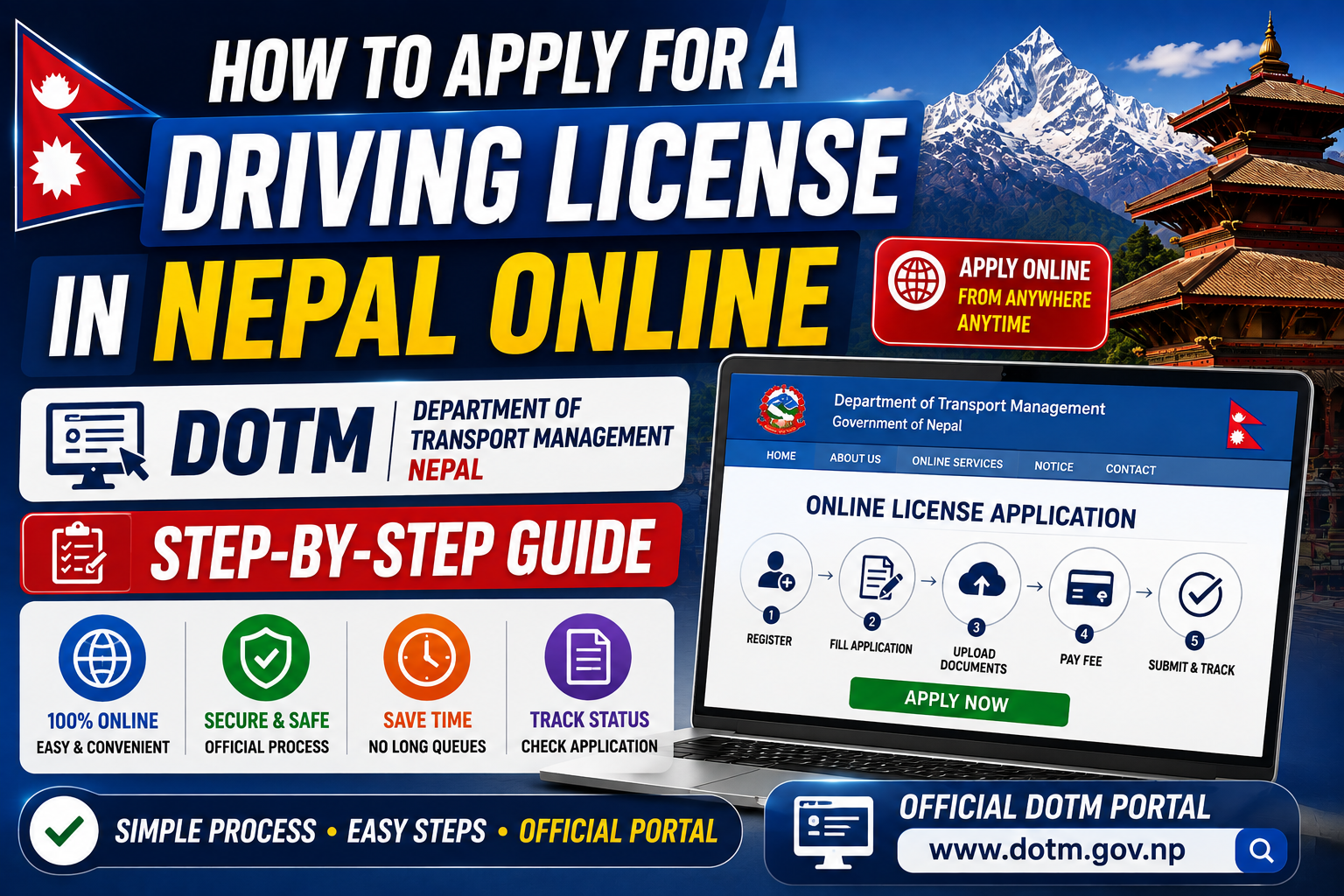
The six steps below show exactly how to apply for a driving license in Nepal online, from creating your account to downloading your receipt. The online part takes under 30 minutes if your documents are scanned and ready.
Register on applydlnew.dotm.gov.np
Open applydlnew.dotm.gov.np and create an account. You register with your Nepali mobile number, full name, date of birth, and citizenship number, then confirm with an OTP sent to your phone. This account is your DOTM online application dashboard for everything later, including renewals.
Fill the Online Application Form
Complete your profile to 100 percent: address, citizenship details, blood group, and personal information. The “Apply for New Driving License” button stays greyed out until your profile is fully filled. Enter your name and date of birth exactly as they appear on your citizenship, because the printed card pulls these details straight from your form. The license is officially the Savari Chalak Anumati Patra (सवारी चालक अनुमतिपत्र).
Upload Citizenship & Photo
Upload a clear image of both sides of your citizenship certificate and a passport photo. Use good light and a flat surface. A cropped corner or a blurry scan is the top reason a driving license application in Nepal gets sent back.
Choose Category, Office & Date
Click “Apply for New Driving License,” tick the terms, and pick one vehicle category. Then select your province and the transport office nearest you, and choose an available appointment date for biometrics from the calendar. Popular Kathmandu Valley offices fill fast, so book early.
Pay the Fee Online
Submit the application and confirm with the OTP. Pay the Rs 500 application fee, which covers the written exam and your first trial attempt. You can pay through eSewa, Khalti, ConnectIPS, or a bank. Some offices instead give you a voucher to print and pay at the counter with a Rs 10 stamp.
Download Your Application Receipt
Download and print your application slip. Attach a passport photo, sign it, and keep the payment receipt with it. You must bring both on your biometric day, so print a spare copy.
What Happens After You Apply (Biometric, Exams, Printing)
The online form is the start. Four things follow, in order.
Alt text: nepal driving license fees and timeline 2026
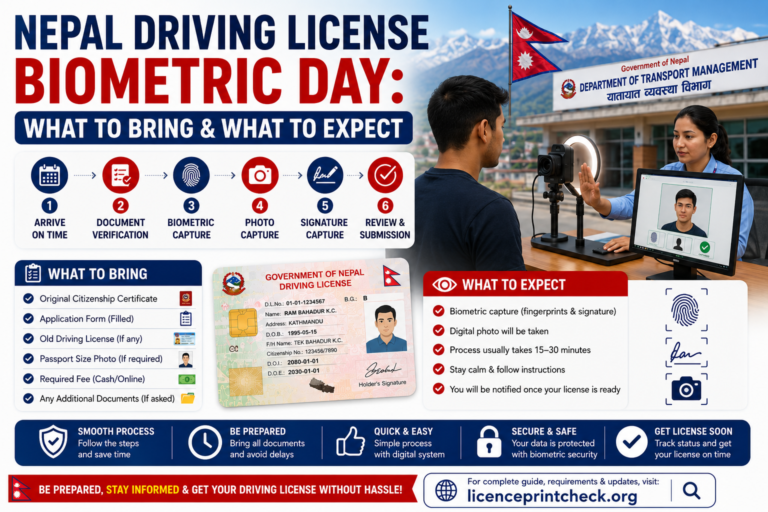
Biometric day
Go to your chosen office on your booked date with the printed slip, original citizenship, and your blood group and eye-test certificates. Staff check your details against the online application, then capture your fingerprints from both hands, a digital photo, and a digital signature. You take a vision and color test and pay the medical fee, roughly Rs 95 to Rs 300 depending on the office.
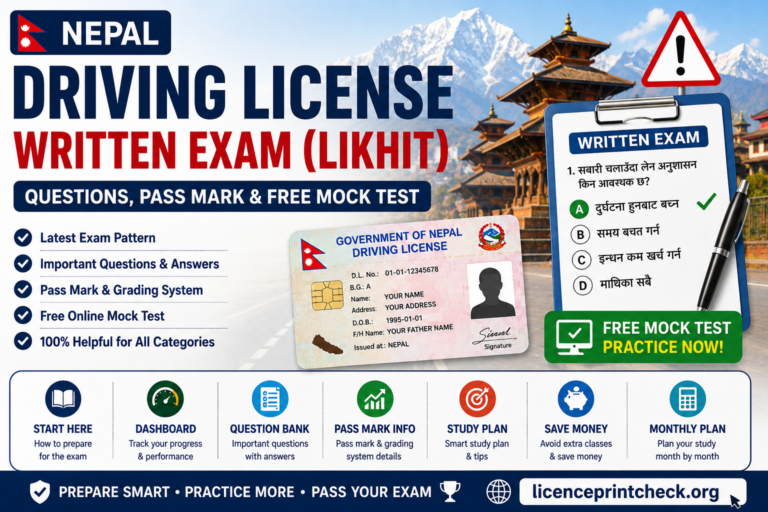
Written exam (Likhit)
This is computer-based, 25 multiple-choice questions in Nepali or English, with a 25-minute limit. You need 13 correct out of 25 to pass, and the result shows on screen right away. Most questions cover traffic signs and road rules.
Trial (practical) test
Category A rides a narrow track and a figure-8 without putting a foot down. Category B does the figure-8 and a hill start without rolling back. You need about 70 points to pass, with up to 3 attempts within 18 months of clearing the written exam.
Alt text: nepal driving license trial figure 8 track
Smart card printing
After you pass the trial, wait at least 10 days, then pay the license issuance fee. Your data goes to the central facility for smart card printing. Until the card arrives, your payment receipt with your license number works as a temporary license that is legally valid to drive. Printing can take weeks to several months, so track it on our Nepal Driving License Print Status Check page instead of guessing.
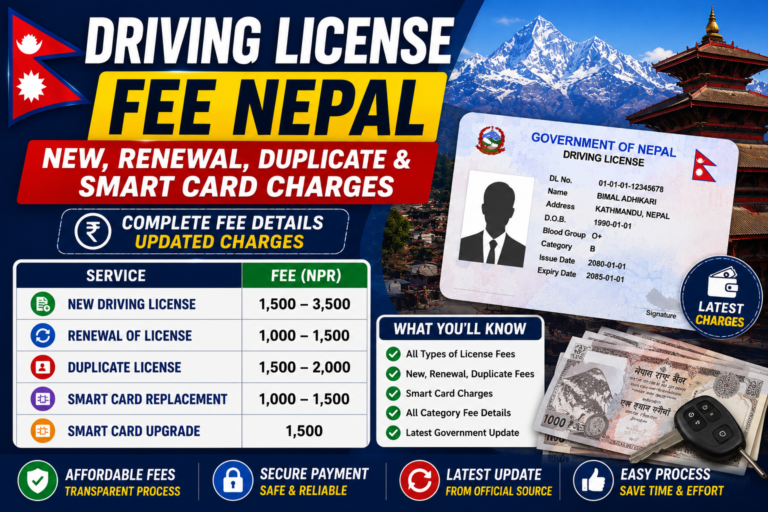
Application Fees by Category (2026)
| Fee | Amount (NPR) |
|---|---|
| Application (written + first trial) | Rs 500 |
| Medical / vision test | Rs 95 to Rs 300 |
| Trial retest (per attempt) | Rs 250 (bike) / Rs 500 (car) |
| Smart card issuance, Category A | Rs 1,500 |
| Smart card issuance, Category B | Rs 2,000 |
Add it up and a Category A license costs roughly Rs 2,100 to Rs 2,300, and Category B around Rs 2,600 to Rs 2,800, if you pass on the first try. Fees vary a little by office and change when the government revises rates, so confirm the current amount on the portal before you pay.
How Long Does the Smart Card Take? (by office)
The online steps take a few days. The wait after that is almost entirely about which office prints your card and its backlog. Here are the ranges applicants commonly report:
| Office type | Typical smart-card wait |
|---|---|
| Kathmandu Valley (Chabahil, Ekantakuna) | 2 to 3 weeks |
| Major provincial (Pokhara, Biratnagar, Butwal) | 3 to 4 weeks |
| Smaller district offices | 4 to 6 weeks |
| Backlog offices | 6+ weeks, sometimes months |
Compiled from DOTM print-batch updates and applicant reports through mid-2026. Your office may differ, so treat these as rough guides, not guarantees.
⚠️ Common Application Mistakes to Avoid
- A blurry, cropped, or dark citizenship upload
- A name or date of birth that does not match your citizenship exactly
- Trying to hit “Apply” before your profile is 100 percent complete
- Picking a busy office when a closer one has earlier slots
- Leaving required fields blank or changing the number format
- Missing your biometric appointment, which means rebooking from scratch
Free Download: Application Checklist
Print this one-page checklist and tick items off as you go. It covers your documents, the online steps, and biometric day, with a fee quick-reference at the bottom.
⬇ Download the Application Checklist (PDF)