How to Add a New Vehicle Category to Your Nepal Driving License (2026)

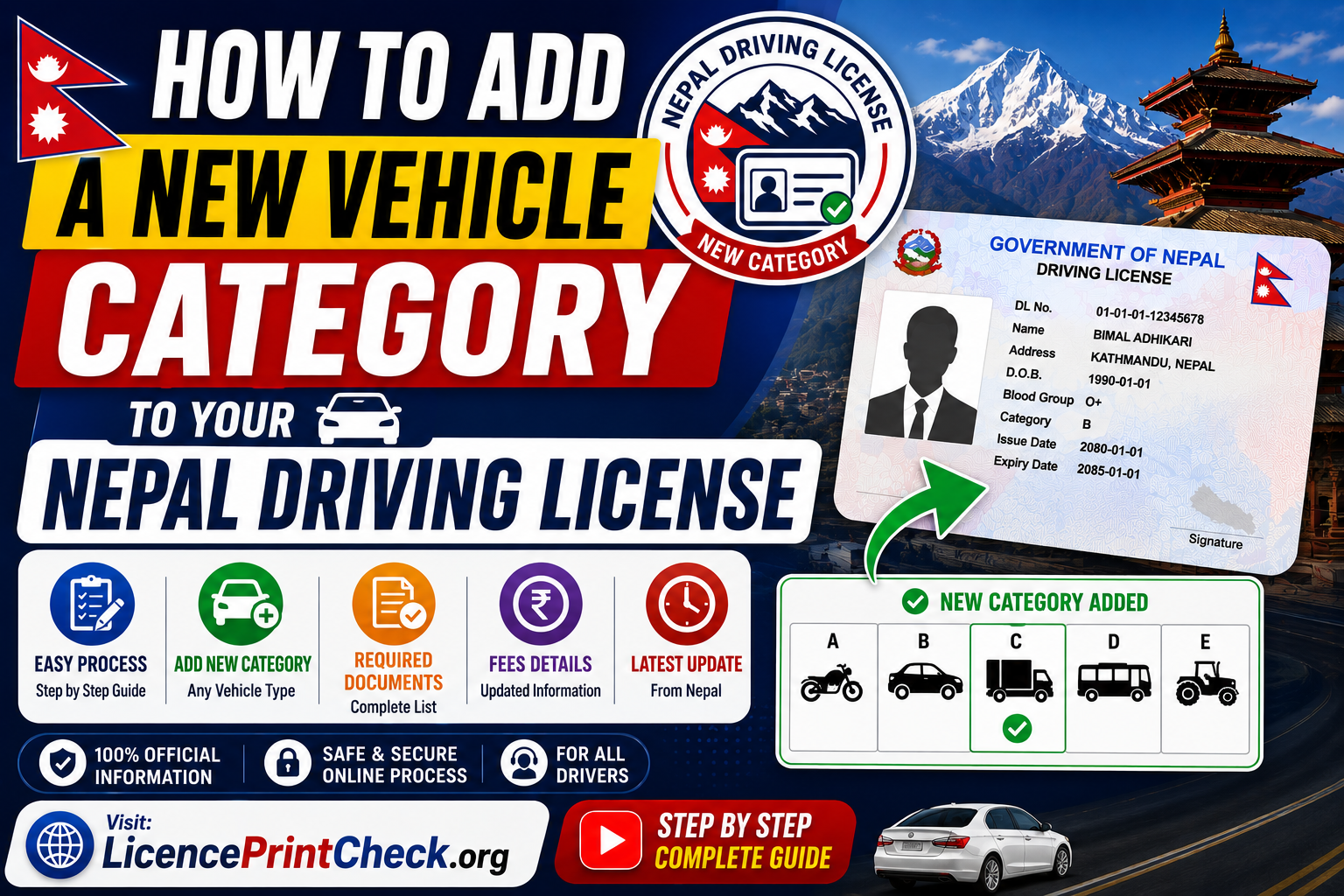
Learn how to add a new vehicle category to your Nepal driving license in 2026, say a car onto your existing bike licence, without applying from scratch. The process to add category in driving license Nepal records is simple: you upload a few documents, pass a trial for the new vehicle (and a written test for higher categories), pay a small fee, and get one combined smart card. Here is the full step-by-step guide.
Table of Contents
Which Categories Can You Add? (A–K Overview)
You keep every category you already hold and add another on top. Nepal issues categories A through K; these are the paths drivers most often take.
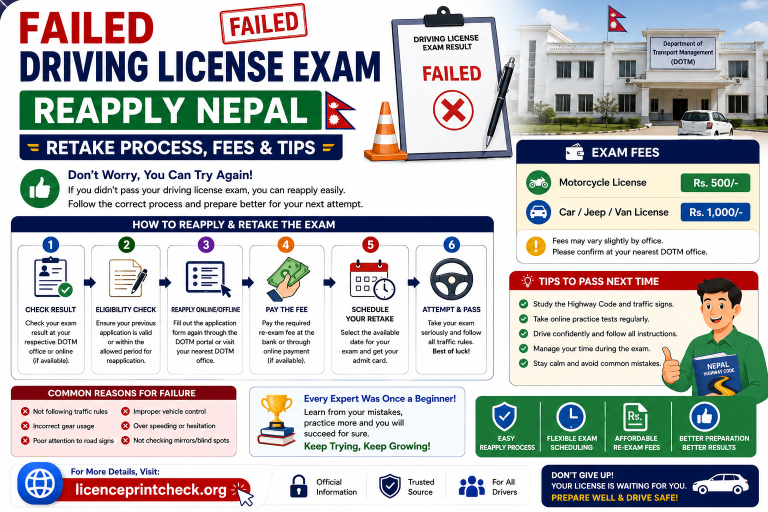
You take a separate trial for each new category, since the skills for a scooter and a bus are not the same.
Eligibility to Add a Category
You need to meet all three of these before you apply.
- Your current licence is valid, not expired or suspended
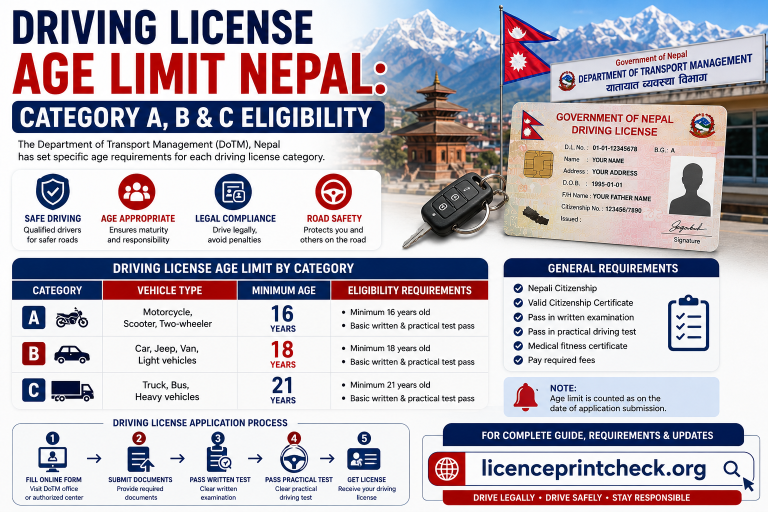
- You meet the minimum age for the new category: 16 for a motorcycle, 18 for a car, and 21 for heavy vehicles
- Your personal details match the DOTM records on your existing licence
If your licence has already expired, renew it first and then add the category, because the system will not process an addition on an invalid licence. And if your name or date of birth does not match your citizenship exactly, fix that correction before you apply, or the addition can stall in verification.
Documents Required
Bring the originals plus one set of photocopies, and keep clear scans ready to upload.
- Your existing driving licence
- Nepali citizenship certificate — original plus one photocopy
- Printed online application form for adding a category
- Medical report — eye/vision test and blood group
- Passport-size photos
- Payment receipt for the fees
- Driving training certificate — required for some heavy categories
The medical report matters more here than people expect, because a higher category can carry stricter vision and fitness checks than your original licence needed.
Step-by-Step: Adding a Category
The flow mirrors a new application, only shorter, since your identity and driving record are already in the system.
Step 1: Log in & Select ‘Add Category’
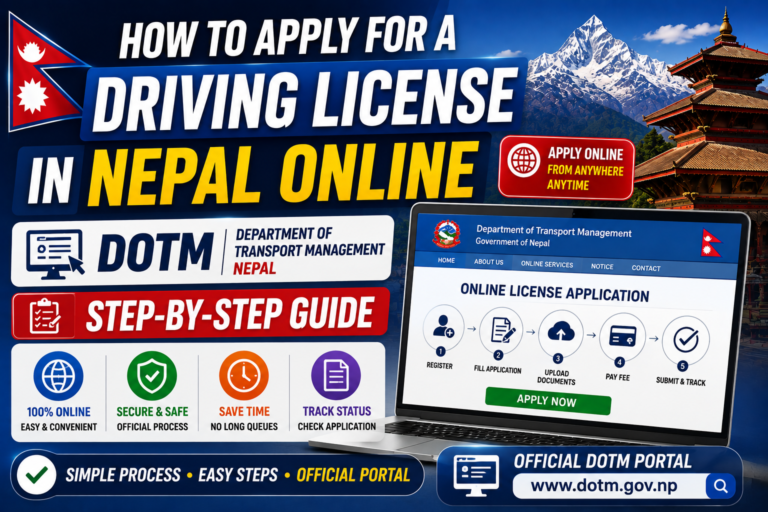
Sign in at applydlnew.dotm.gov.np, choose the add-category (endorsement) option, and pick the new vehicle category you want to add.
Step 2: Upload Documents & Pay Fee
Upload your citizenship, existing licence, and medical report as clear PNG or JPG images, pay the fee online, and book your appointment date.
Step 3: Written Exam (Likhit), If Required
For most standard upgrades the written test is skipped, but higher categories (heavy vehicles) may need it. It is the same 25-question format, pass 13 of 25.
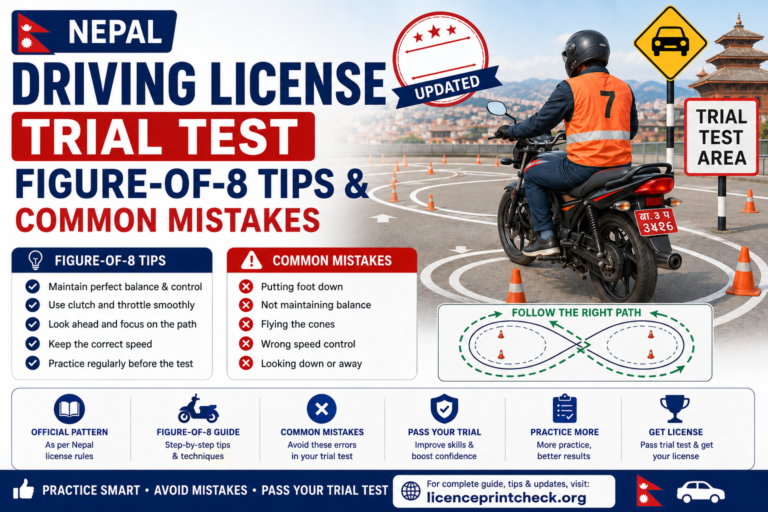
Step 4: Trial Test
The practical trial is required for every addition. You take it on the new vehicle type, so a car category means the figure-8 and hill start in a car.
Step 5: Receive Combined Smart Card
After you pass, pay any issuance fee and collect one new smart card that lists all your categories together, old and new.
Add-Category Fees
- Application (exam + trial)Rs 500
- Endorsement / add-category feeRs 500–1,000
- Heavy categoriesup to Rs 2,000
- New combined smart cardwhere charged
Rs 500 is the standard government fee, and the endorsement adds a bit on top depending on the category. Rates were revised recently and vary by province, so confirm your exact total on the portal before you pay.
Does It Change Your Expiry Date?
DOTM does not spell this out publicly, so do not assume either way. The new category is added onto your existing record rather than filed as a fresh licence, and the safest step is to check the printed expiry date on the combined smart card with your office when you collect it. Renew on whatever date the card shows, the same way you would for any Nepal licence.
How Long Does It Take?
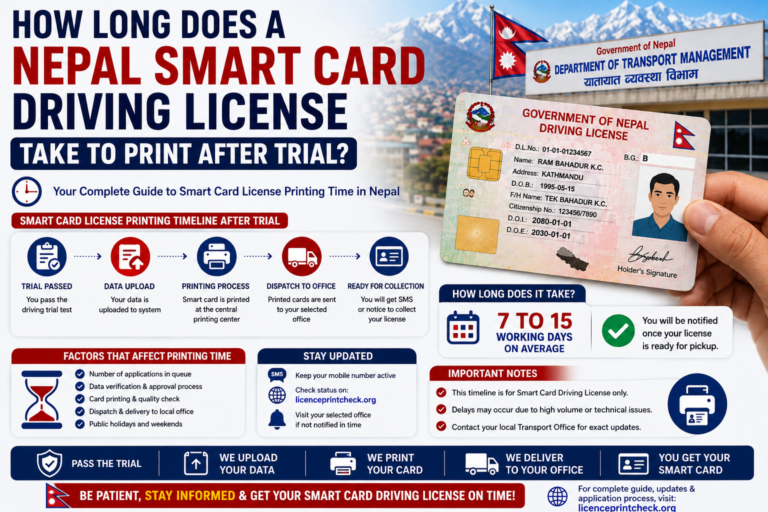
The online part takes a few minutes. After that you wait for your trial appointment, which depends on how busy your office is. Once you pass, the combined smart card prints in the usual 15 to 30 working days, the same as a normal application. Use your payment receipt as a temporary permit for the new category while the card is being printed.
Added a category and waiting for the new card? Check when your combined smart card is printed and ready to collect.
Check Print StatusFrequently Asked Questions
Q.Do I need to take the exam again to add a category?
You always take the practical trial on the new vehicle. The written exam (Likhit) is usually skipped for standard upgrades but may be required for higher, heavy categories.
Q.How much does it cost to add a category in Nepal?
The standard government fee is Rs 500, plus an endorsement charge of roughly Rs 500 to Rs 1,000, more for heavy categories. Confirm the exact total on the portal.
Q.Does adding a category change my licence expiry?
DOTM does not clearly publish this, so check the printed expiry on your combined smart card at the office when you collect it, and renew on that date as normal.
Q.Can I add a car category to my bike licence?
Yes. You apply to add Category B, pass the car trial, pay the fee, and get one combined smart card showing both A and B.
Q.Do I get a new smart card when I add a category?
Yes. A new combined card is printed that lists all your categories together, so you carry just one licence.
Q.Is a driving training certificate required?
Not for most standard upgrades, but some heavy vehicle categories ask for one, so check your office’s requirement for that category.
Conclusion
Adding a category to your Nepal licence is quicker than a fresh application. Check you are eligible, apply on the DOTM portal with your existing licence and medical report, pay around Rs 500 plus the endorsement fee, pass the trial (and the written test for heavy categories), and collect one combined smart card that lists all your categories. Check the printed expiry with your office at collection, and track the new card online so you know exactly when it is ready.