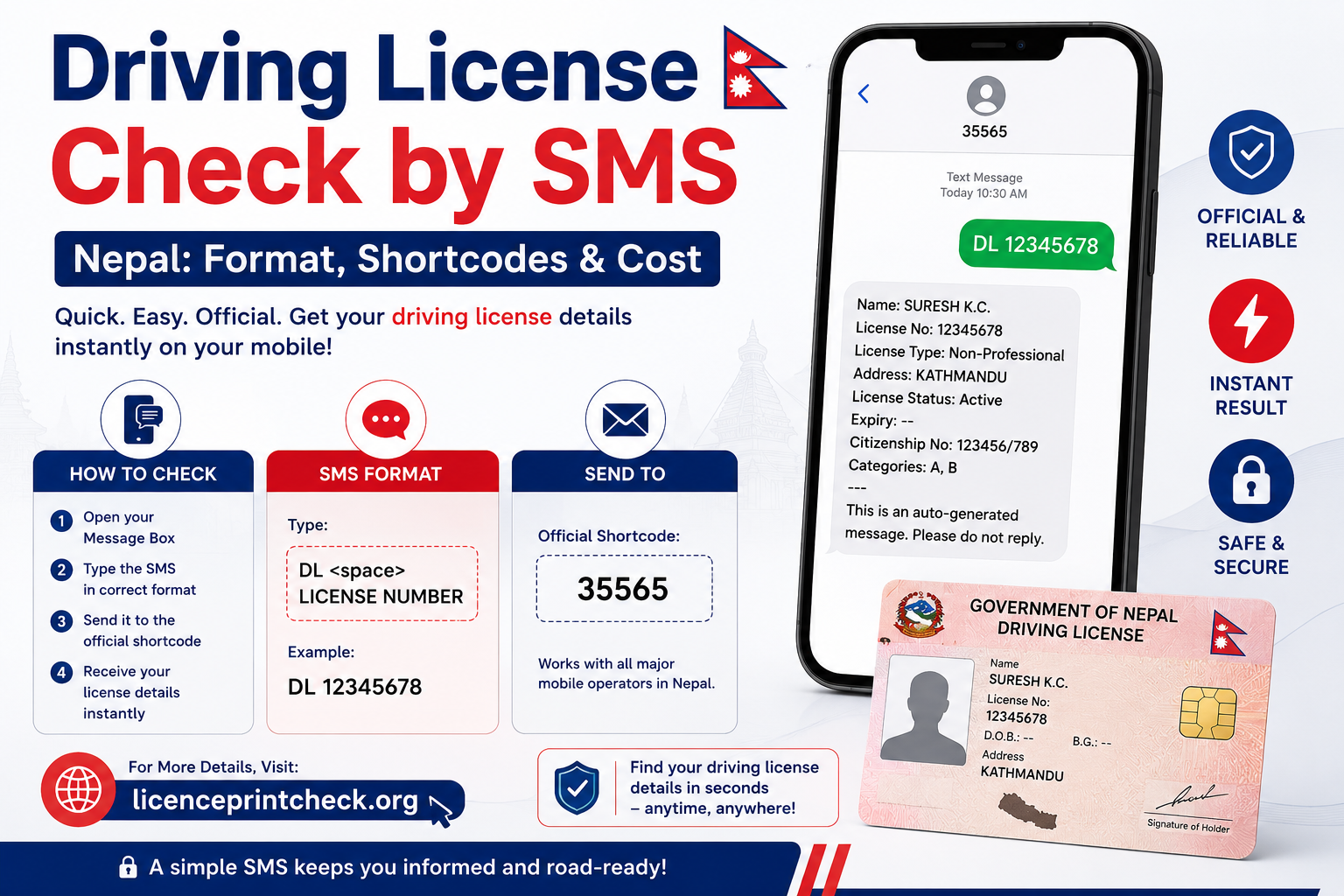
Driving License Check by SMS Nepal 2026: Format, Shortcodes & Cost

On: August 9, 2026 11:44 AM
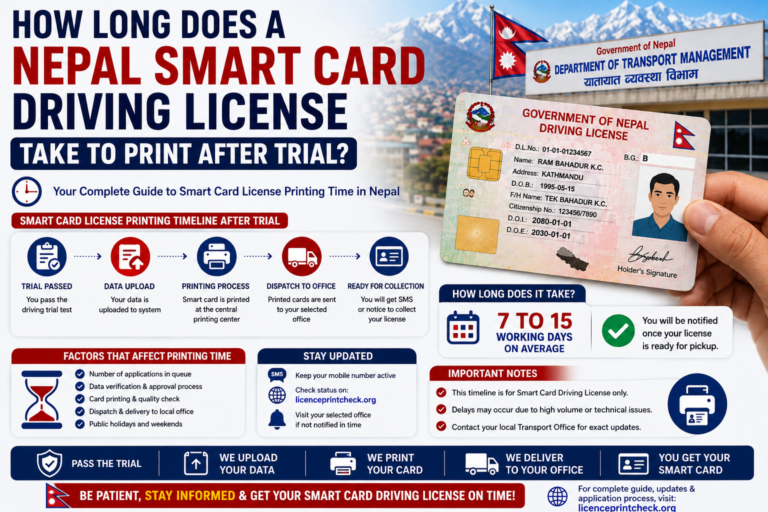
Wondering how long Nepal license print after trial really takes? For most applicants it is 30 to 45 working days, roughly 6 to 9 weeks, from your trial and biometrics to the card in your hand. Here is the stage-by-stage breakdown, where the wait actually sits, and what to do while you wait. Quick Answer…
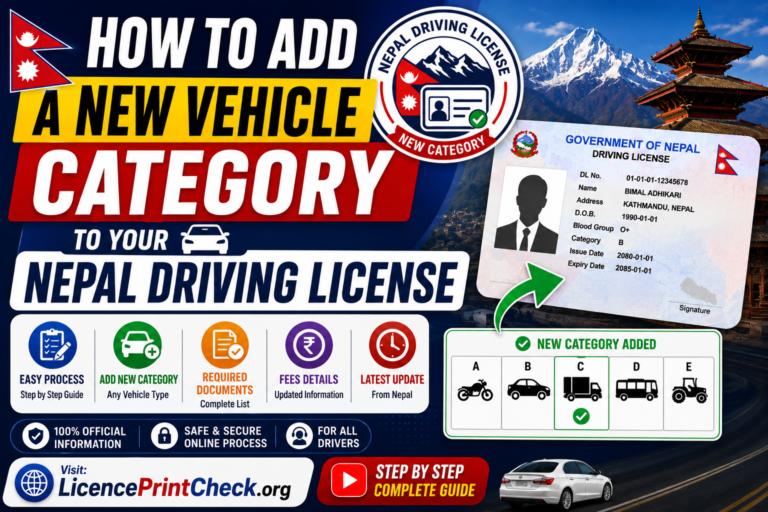
Learn how to add a new vehicle category to your Nepal driving license in 2026, say a car onto your existing bike licence, without applying from scratch. The process to add category in driving license Nepal records is simple: you upload a few documents, pass a trial for the new vehicle (and a written test…
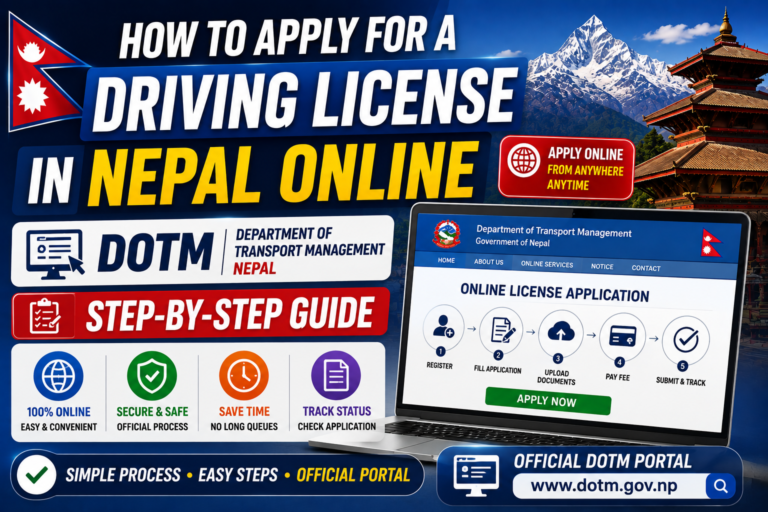
Apply for a driving license in Nepal online and you skip the 6 AM queue at the transport office. You do it on the Department of Transport Management (DOTM) portal: fill the form, choose your office, book a date, and pay from your phone. The biometric photo, written exam, and trial still happen in person…
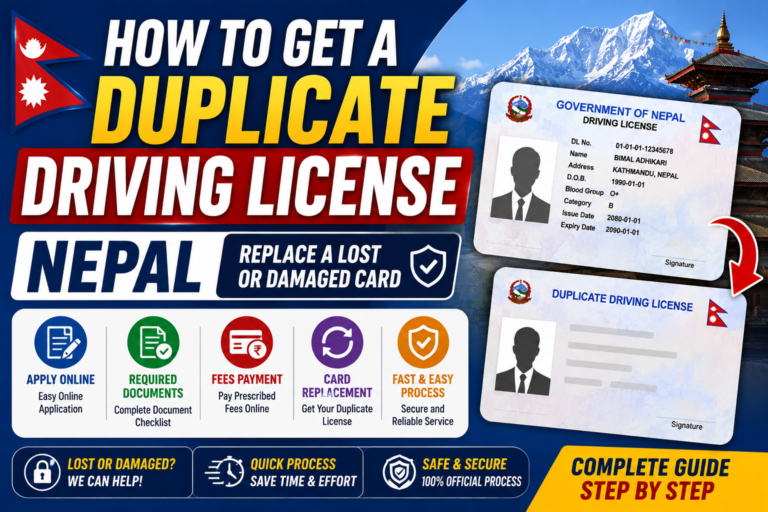
Lost or damaged your smart card and need a duplicate driving license Nepal replacement? You report the loss to the traffic police, get a recommendation letter, then apply through DOTM, pay a small fee, and drive on a temporary slip until the new card prints. Here is the full 2026 process, step by step. Table…
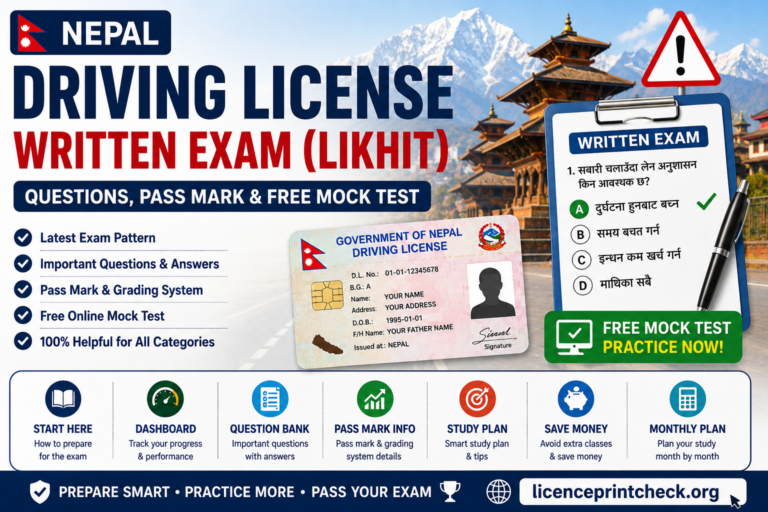
The Nepal driving license written exam, known as the Likhit, is the first test you must clear before your trial, and most people fail it only because they walk in unprepared. This 2026 guide gives you the exact format, the pass mark, the topics with their real weight, sample questions from the DOTM bank, and…
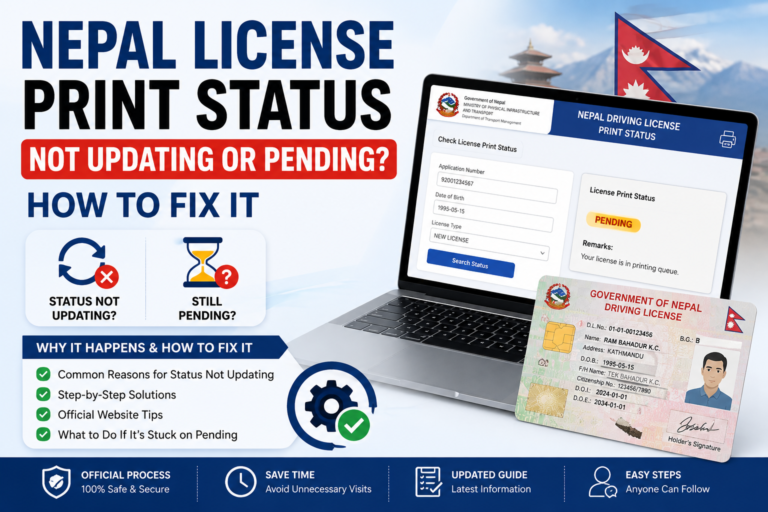
If your Nepal license print status is not updating, or it has been stuck on “Pending” for weeks, you are not alone, and here is how to fix it. Most of the time the freeze is just a normal DOTM printing backlog, but sometimes something in your application is quietly blocking the print. This guide…