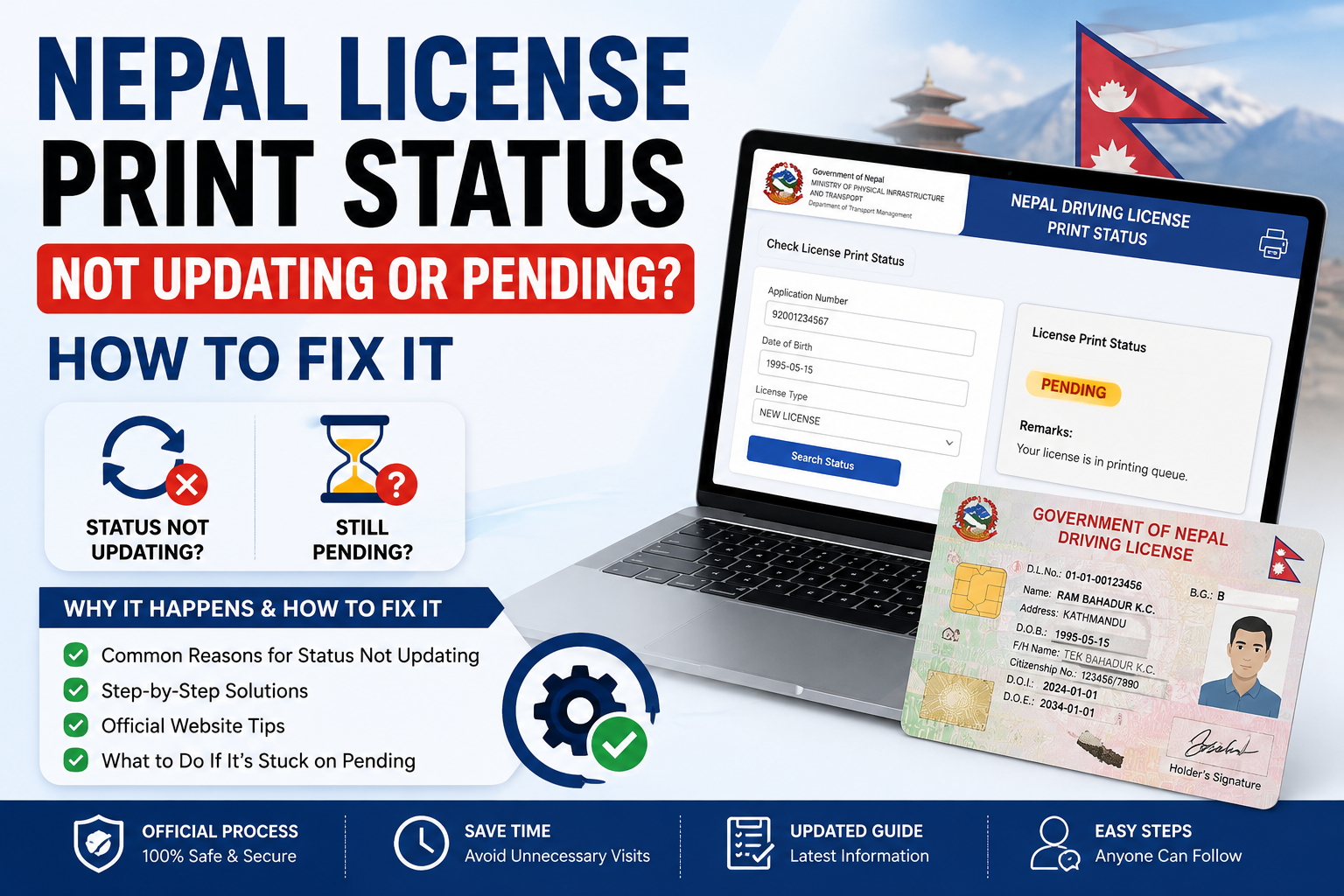
Nepal License Print Status Not Updating or Pending? How to Fix It

If your Nepal license print status is not updating, or it has been stuck on “Pending” for weeks, you are not alone, and here is how to fix it. Most of the time the freeze is just a normal DOTM printing backlog, but sometimes something in your application is quietly blocking the print. This guide separates the two, walks through the six real reasons a status stops moving, and gives the exact fix for each.
Table of Contents
Normal Wait vs a Real Problem
Before you worry, check whether your wait is still inside the normal window. A “Pending” or “Printing” status for a few weeks is expected. These signs tell you which side you are on.
- “Pending” or “Printing” for up to 15–30 working days
- Up to 4–6 weeks at busier offices
- Status moves Pending → Printing → Dispatched
- Best checked once a week, not daily
- “Not Found” for more than 2 months
- “Pending” well past your office’s usual wait
- Status shows “Rejected” or stays blank
- A batch-mate got their card and you did not
6 Reasons Your Status Won’t Update
If you are past the normal window, one of these six things is usually behind it, listed from the most common to the least. Each one has a simple fix.
Data Not Uploaded After Trial
Your transport office has not yet pushed your trial-pass data to the DOTM central server, so the system has no record to show.
Batch / Printing Backlog
Cards are printed centrally in batches. When volume is high or a festival slows things down, your batch simply waits its turn.
Biometric or Document Mismatch
A poor fingerprint scan, a photo issue, or a citizenship detail that does not match your record can hold your file in review.
Payment Not Confirmed
If your fee was deducted but never confirmed in the system (a gateway delay), the office may not process the card.
Wrong Number / Format Entered
Often the status is fine, but you are searching with the wrong license number or format, so nothing shows up.
Portal Cache or Server Glitch
The DOTM portal can cache an old result or go down briefly, showing you a stale or blank status.
Want to re-check right now? Look up your latest license print status in seconds. Free, no login.
Check StatusStep-by-Step: What to Do If It’s Stuck
Confirm you passed both exams. Log in to applydlnew.dotm.gov.np and check your written and trial results are recorded.
Wait the full 30 working days from your trial date before treating a “Pending” status as a fault.
Re-check carefully. Run a fresh license print status check with the exact license number and date of birth, and try the SMS service or Nagarik App as a second source.
Visit your transport office with your trial-pass receipt and citizenship if it is still “Not Found” or stuck past the normal window.
File a written complaint if the office cannot resolve it on the spot.
When (and How) to File a Complaint
Under the Right to Service Act, if your license is not printed within 45 days of passing your trial, you have the right to ask for it in writing.
- Submit a written complaint at your Transport Management Office (TMO)
- Email the DOTM through the official portal, attaching your receipts
- Use the complaint feature in the Nagarik App
- Escalate to the DOTM central office or the Ministry if there is no response
Keep your trial-pass receipt, payment receipt, and license number handy for every step, since the office will ask for them to trace your file. In most cases a stuck status clears on its own once the backlog moves, so try the checks above before making a trip to the office.
Frequently Asked Questions
Why is my license print status still “Pending”?
Usually a normal printing backlog. Cards print centrally in batches, so “Pending” for up to 30 working days is expected. Longer than that, or a “Not Found” for months, points to a data, payment, or verification issue.
How long does “Pending” take in Nepal?
Commonly 15 to 30 working days, and up to 4 to 6 weeks at busier offices. Treat it as a problem only after that window.
What does “Not Found” mean?
Your data is not in the print system yet, often because the office has not uploaded it or you entered the wrong number. If it lasts more than two months, visit the office with your trial receipt.
My status won’t update at all. What should I do?
Re-check with the exact number and date of birth, try SMS or the Nagarik App, wait the full 30 working days, then visit your office, and file a written complaint if it is still stuck.
Can I drive while my license is stuck?
Yes, if you have paid. Your payment receipt with your license number works as a temporary license that is legally valid until the smart card is printed.
Who do I contact if my license is never printed?
Start at your Transport Management Office, then the DOTM central office or the Ministry of Physical Infrastructure and Transport, using the Right to Service Act if it passes 45 days.