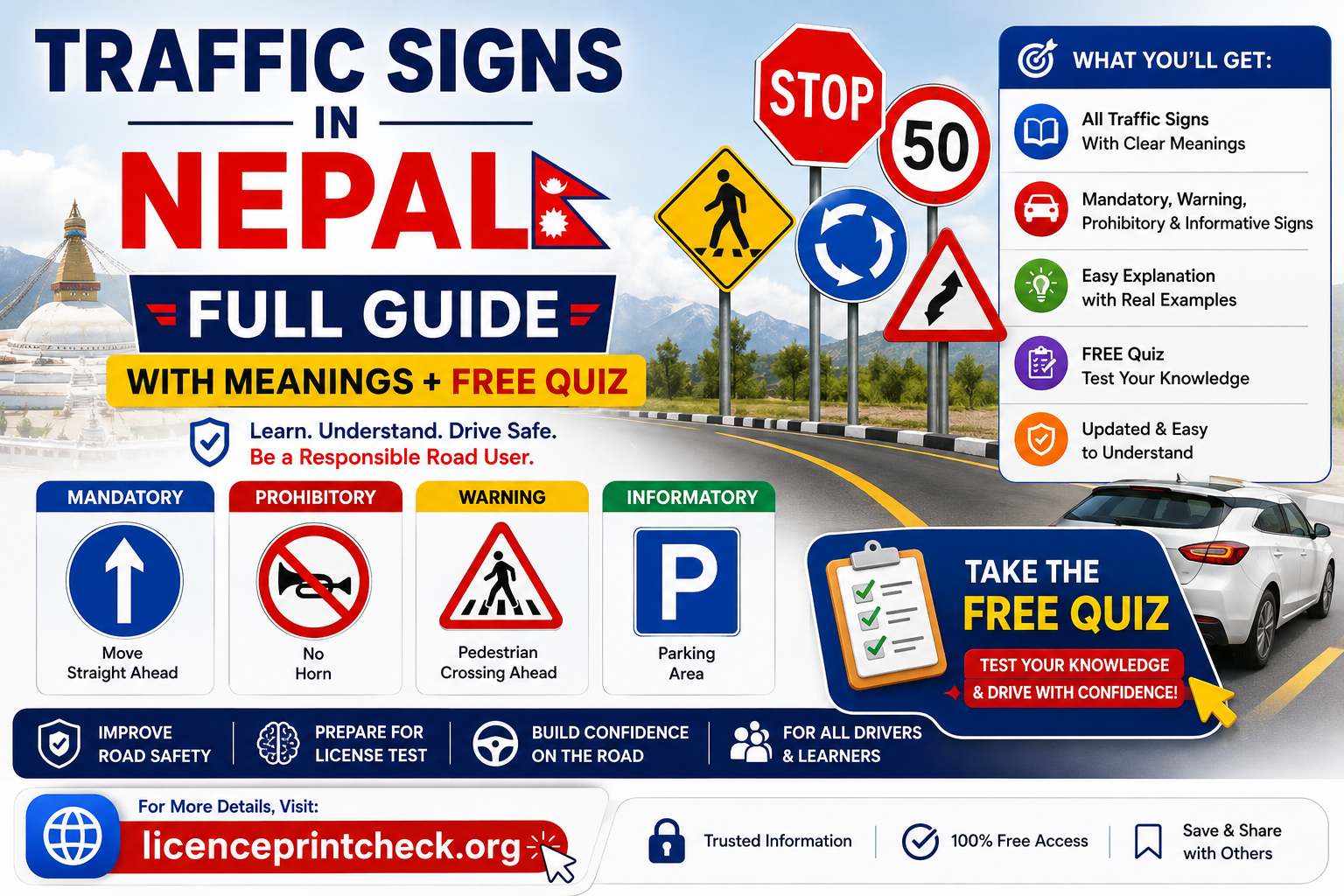
Traffic Signs in Nepal 2026: Full Guide with Meanings + Free Quiz

On: August 9, 2026 9:27 PM
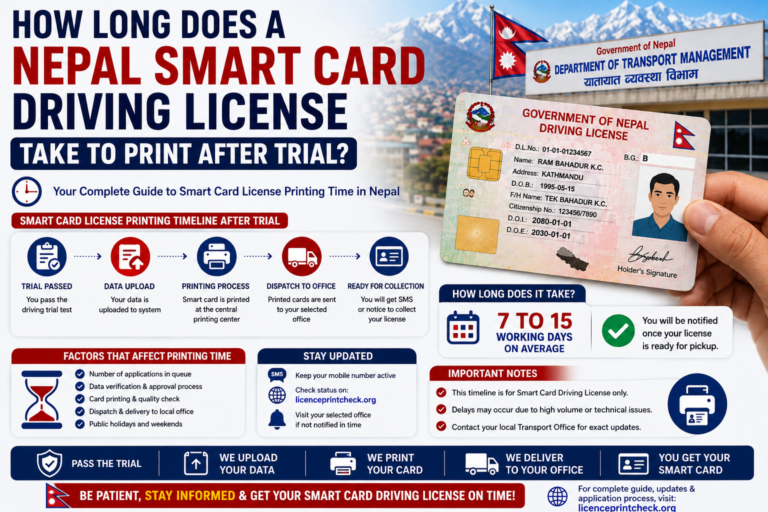
Wondering how long Nepal license print after trial really takes? For most applicants it is 30 to 45 working days, roughly 6 to 9 weeks, from your trial and biometrics to the card in your hand. Here is the stage-by-stage breakdown, where the wait actually sits, and what to do while you wait. Quick Answer…
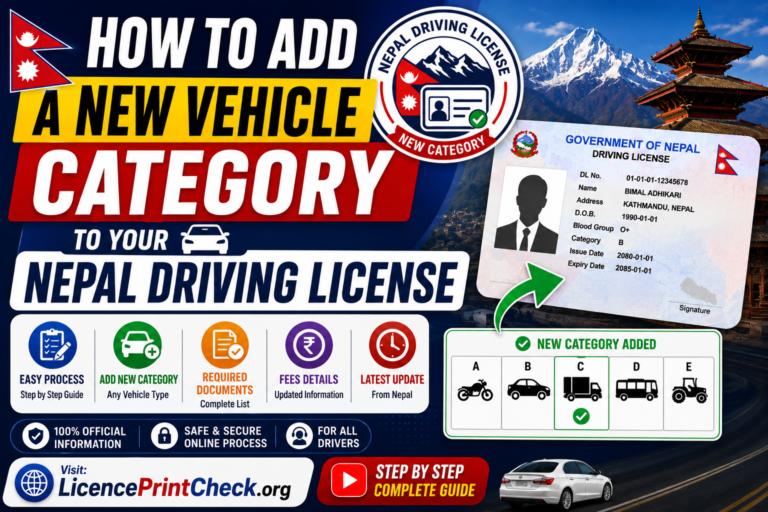
Learn how to add a new vehicle category to your Nepal driving license in 2026, say a car onto your existing bike licence, without applying from scratch. The process to add category in driving license Nepal records is simple: you upload a few documents, pass a trial for the new vehicle (and a written test…
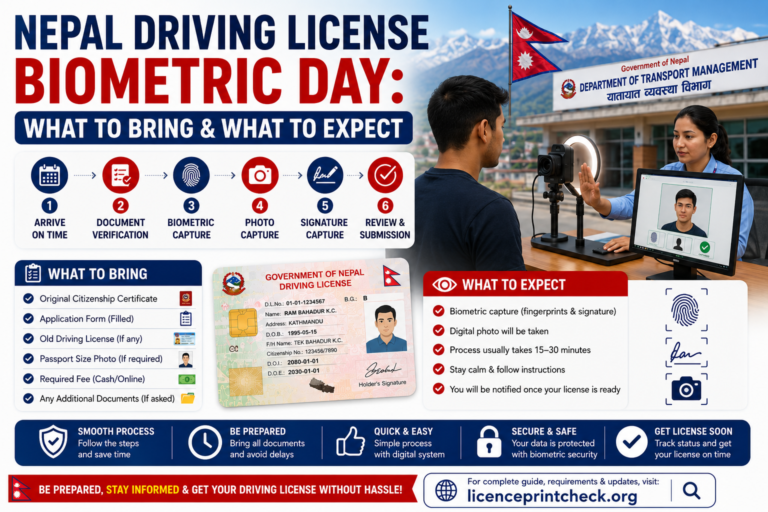
Your Nepal driving license biometric appointment is the day your file becomes official at the DOTM office, where staff verify your documents, record your fingerprints and photo, and hand you the slip for your written exam. Turn up with the right papers and it takes an hour or two; turn up unprepared and you lose…
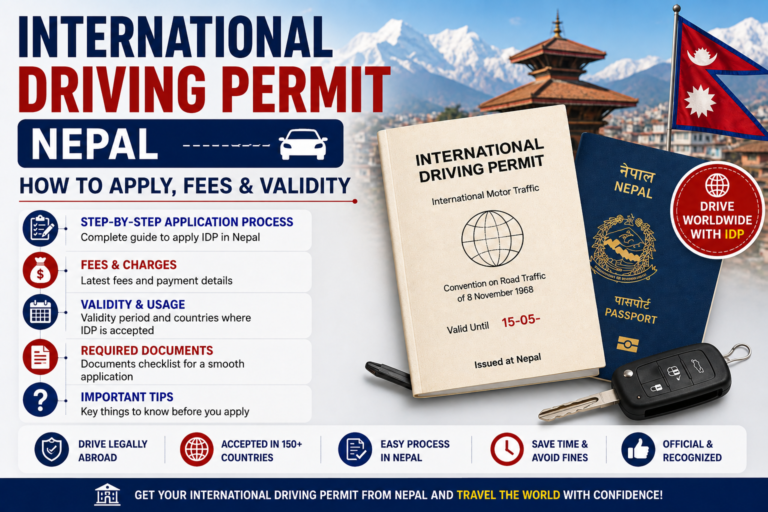
If you plan to drive abroad, an international driving permit Nepal issues through the Department of Transport Management is what most countries ask for alongside your Nepali license. It is an official translation of your existing license, not a new one, and it only works when you carry both together. This 2026 guide covers who…
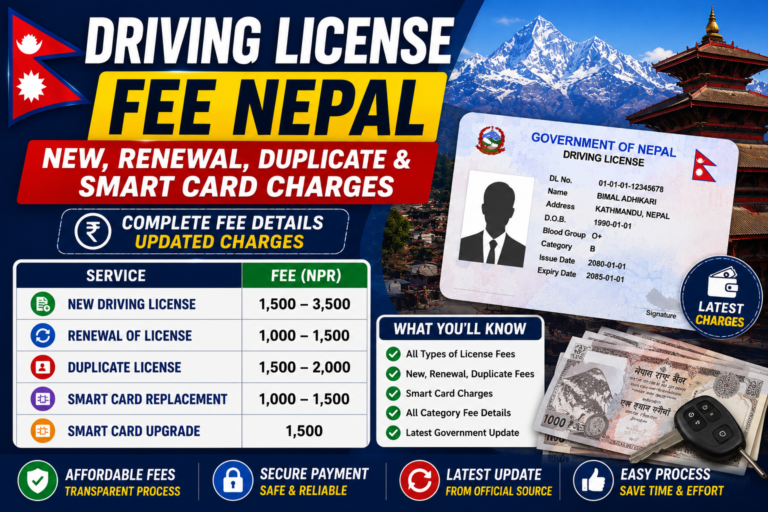
Here is the full driving license fee Nepal breakdown for 2026, with every charge in one place: a new license, renewal, duplicate, adding a category, and the smart card, split by vehicle category so you know exactly what to pay before you start. ℹ️ Fees were revised for the 2083/84 fiscal year and can differ…
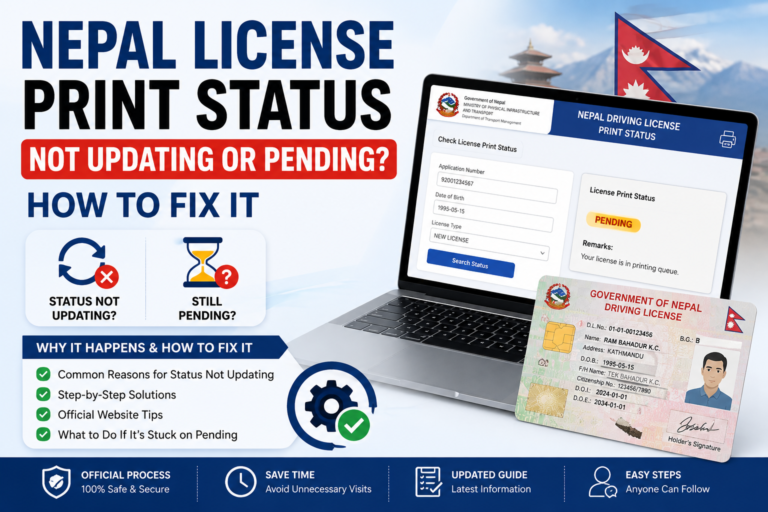
If your Nepal license print status is not updating, or it has been stuck on “Pending” for weeks, you are not alone, and here is how to fix it. Most of the time the freeze is just a normal DOTM printing backlog, but sometimes something in your application is quietly blocking the print. This guide…